D.A.R.C. Requirements
The Dealers Accreditation Requirements master (dealers.accreditation.requirements) is the list of documents every applicant must submit. Each requirement corresponds to one row on the checklist that appears on a dealership's partner record.
MSD Administrators and Dealer Dev Managers. Dealer Dev Users can view the list but not edit it.
Opening the list
Dealer Dev ▸ Configuration ▸ Dealers Accreditation Requirement
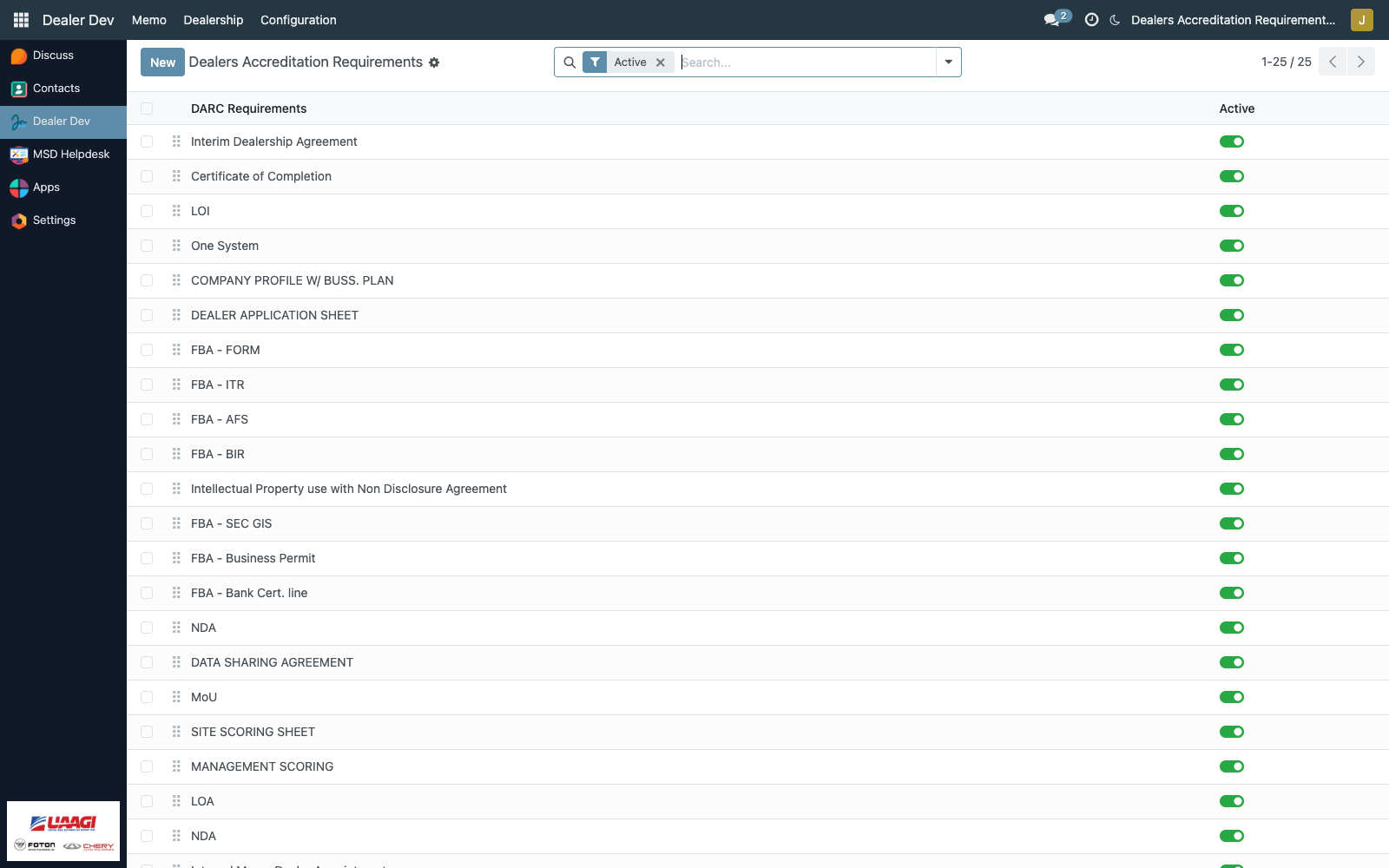
The list is editable-inline — click any cell to edit in place. No separate form is needed for the common case; a form view exists for completeness but rarely needs opening.
The fields
| Field | Purpose |
|---|---|
| seq (handle) | Display order. Drag the handle to reorder. The step-by-step sequence UAAGI expects the applicant to submit documents in. |
DARC Requirements (name) | The requirement label, e.g. LOI, COMPANY PROFILE W/ BUSS. PLAN. |
| active | Boolean toggle. Active = currently required; Inactive = no longer required, hidden from the compliance count. |
The shipped list
The module ships 16 requirements, ordered by sequence (data/dar_data.xml):
| seq | Name |
|---|---|
| 1 | LOI |
| 2 | COMPANY PROFILE W/ BUSS. PLAN |
| 3 | DEALER APPLICATION SHEET |
| 4 | FBA - FORM |
| 5 | FBA - ITR |
| 6 | FBA - AFS |
| 7 | FBA - BIR |
| 8 | FBA - SEC GIS |
| 9 | FBA - Business Permit |
| 10 | FBA - Bank Cert. line |
| 11 | NDA |
| 12 | DATA SHARING AGREEMENT |
| 13 | MoU |
| 14 | SITE SCORING SHEET |
| 15 | MANAGEMENT SCORING |
| 16 | LOA |
"FBA" groups the Financial & Business Assessment documents. "LOA" is the Letter of Approval issued once accreditation is granted.
Active vs inactive
- Active requirements appear on every dealer's checklist and count toward the compliance percentage.
- Inactive requirements:
- Are not rendered as new checklist rows on dealer partners.
- Do not count toward the compliance percentage numerator or denominator.
- Historical checklist rows (from when the requirement was active) remain on each dealer for reference — inactive requirements don't auto-delete.
Use Inactive instead of deleting when a requirement is retired — this preserves the history of what was required at the time each dealer applied.
Adding a requirement
Click New (or the blank row at the bottom of the list in editable mode):
- Enter the DARC Requirements name.
- Set seq to control the position. The list is ordered by
seq asc, so lower numbers sort first. - Leave active on (default).
Every existing dealer partner will get a fresh checklist row for this new requirement the next time their form loads. No one-time migration is needed.
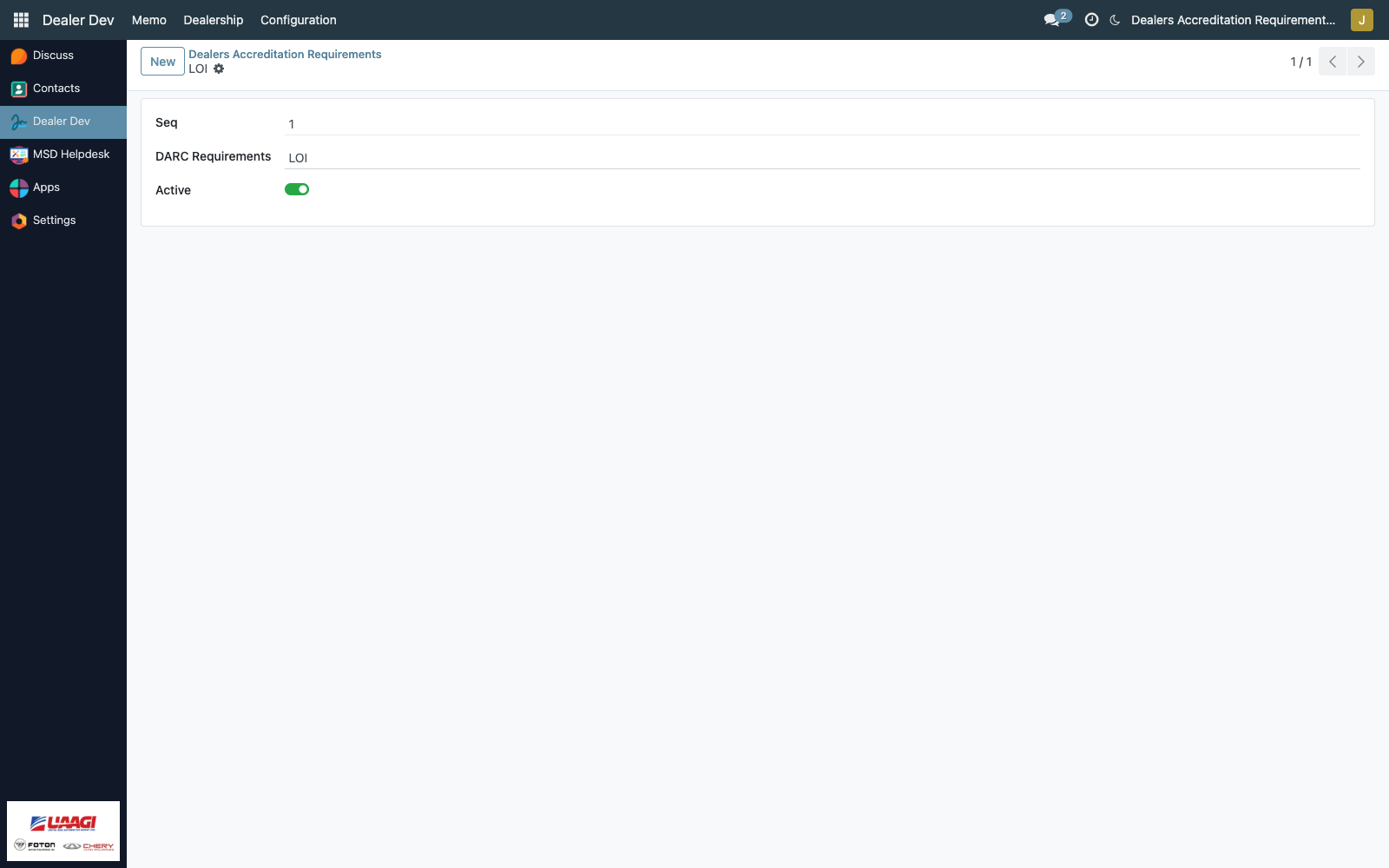
Renaming a requirement
Editing name changes the display on every existing dealer's checklist — the master record is referenced, not copied. Safe for typo fixes; for meaningful changes (e.g. replacing one requirement with another), prefer deactivating the old one and creating a new one — this keeps each dealer's compliance history interpretable.
Reordering
Drag the seq handle in the list view. Reordering does not renumber existing checklists — the checklist's own seq field is populated at creation time but is otherwise independent. For pristine ordering on fresh dealers, update the master then re-open each dealer (new rows will pick up the new ordering).