Managing Brands
The brand catalog (uaagi.brand) is the shared reference every dealership draws from. A brand record carries a logo, color, and metadata that shows up in two places on the end-user portal: the top brand banner and the brand tags on each dealership card.
Audience
System administrators. Brands rarely change — most setup is done once, at initial installation, from data/brand_data.xml.
Opening the list
UAAGI Portal ▸ Brands
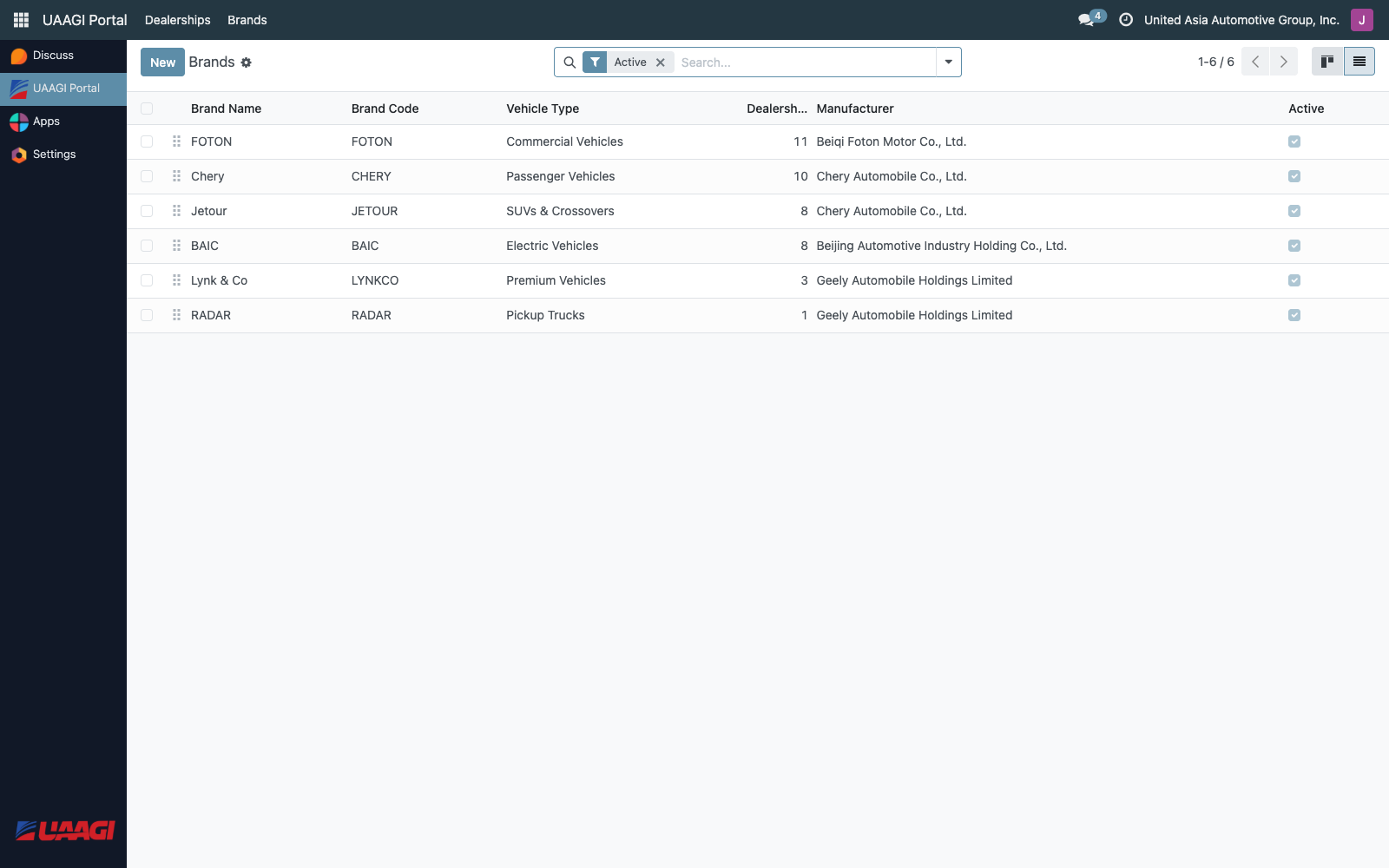
The shipped brands
The module ships with six brands pre-loaded:
| Code | Brand | Vehicle Type |
|---|---|---|
| FOTON | FOTON | Commercial vehicles and trucks |
| CHERY | Chery | Passenger vehicles |
| JETOUR | Jetour | SUVs & crossovers |
| BAIC | BAIC | Electric and conventional vehicles |
| LYNK | Lynk & Co | Premium vehicles |
| RADAR | RADAR | Electric pickup trucks |
These are loaded from data/brand_data.xml on install. Creating new brands is supported but uncommon — the more typical operation is uploading a logo or tweaking the color.
Creating or editing a brand
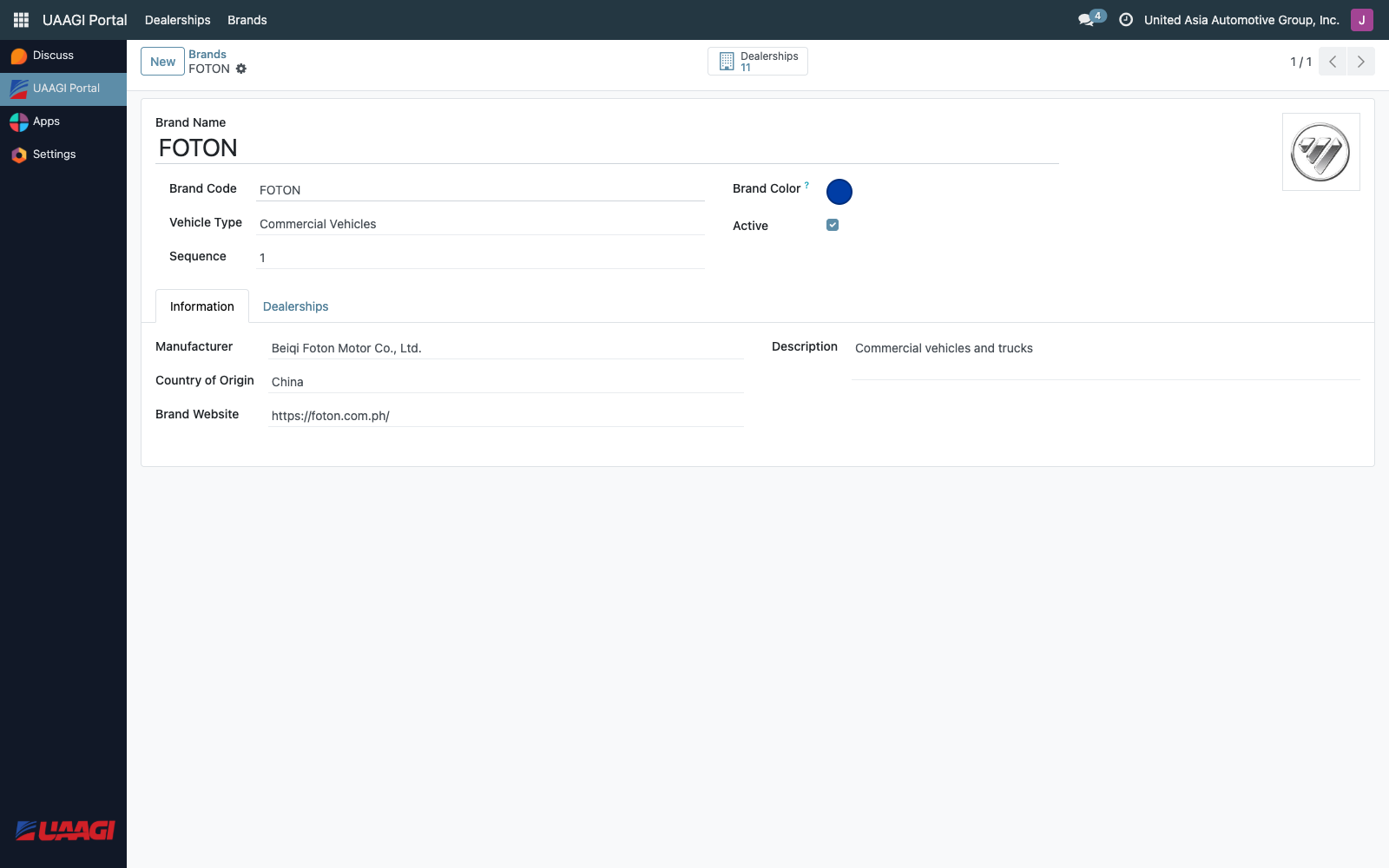
| Field | Purpose |
|---|---|
| Brand Name | The full brand name. Translatable. |
| Brand Code | Short code, unique, max 10 characters. Rendered as the text on tag badges. |
| Logo | Square PNG/JPG shown in the top banner of the end-user portal. |
| Brand Color | Hex code (e.g. #FF0000). Used as the tag color for this brand's badges when rendered with color_field: 'color'. |
| Vehicle Type | Selection: Commercial, Passenger, SUVs & Crossovers, Electric, Premium, Pickup. Currently informational. |
| Description | Free text, translatable. |
| Manufacturer | The parent manufacturer. |
| Country of Origin | Informational. |
| Brand Website | If set, the brand logo on the top banner becomes a clickable link to this URL (opens in a new tab). |
| Sequence | Controls left-to-right order of logos in the top banner. |
| Active | Unchecking hides the brand from the banner and from dealership selection dropdowns. |
Where a brand shows up
- Top banner of the end-user portal — one logo per active brand, ordered by
sequence. - Brand tag on every dealership card that carries this brand.
- Brands tab of the dealership form — as a selectable
many2manytag.
Related actions
- Dealerships stat — on the brand form, opens every dealership currently carrying this brand. Useful when retiring a brand: check which branches still have it assigned.