Security Groups
The Portal module ships three security groups, each a superset of the one before it. Record rules on uaagi.dealership and uaagi.brand read from these groups to decide who can see or edit what.
System administrators granting access to the Portal backend.
The three groups
| Group | Implies | Typical assignee |
|---|---|---|
| UAAGI Portal User | — | Every OAuth-provisioned user (baseline) |
| UAAGI Portal Manager | UAAGI Portal User | MSD staff managing dealerships and brands |
| UAAGI System Administrator | UAAGI Portal Manager, System (base.group_system) | IT / MSD leadership |
Assigning a user to a higher group automatically includes all lower groups — you never need to tick more than one.
What each group can do
UAAGI Portal User
Baseline access for any UAAGI employee using the portal.
- Dealerships — can read only the dealerships in their
allowed_dealership_ids. Cannot write, create, or delete. - Brands — can read all brands. Cannot modify.
- UAAGI Portal menu — visible, but only the Dealerships and Brands submenus are shown (Configuration is hidden).
This group is implicitly granted to OAuth-provisioned users by virtue of the base.group_user assignment in _generate_signup_values. An administrator does not need to tick it manually.
UAAGI Portal Manager
The "operational administrator" role — can manage the data that drives the end-user portal.
- Dealerships — full CRUD. No record rule restriction; sees everything.
- Brands — full CRUD.
- UAAGI Portal menu — includes the Configuration submenu.
Assign this to MSD staff who provision dealerships and maintain the brand catalog.
UAAGI System Administrator
Full administrative control of the Portal instance.
- Everything the Manager can do.
- Plus
base.group_system— the Odoo "Settings" group — so they can edit the OAuth provider, system parameters (includinguaagi.is_portal_instance), and other Odoo-core admin surfaces. - UAAGI Portal menu — includes the Configuration ▸ Settings submenu.
Reserve this for IT leadership or a small number of trusted operators.
Where to assign groups
Settings ▸ Users & Companies ▸ Users — open a user and go to the Access Rights tab.
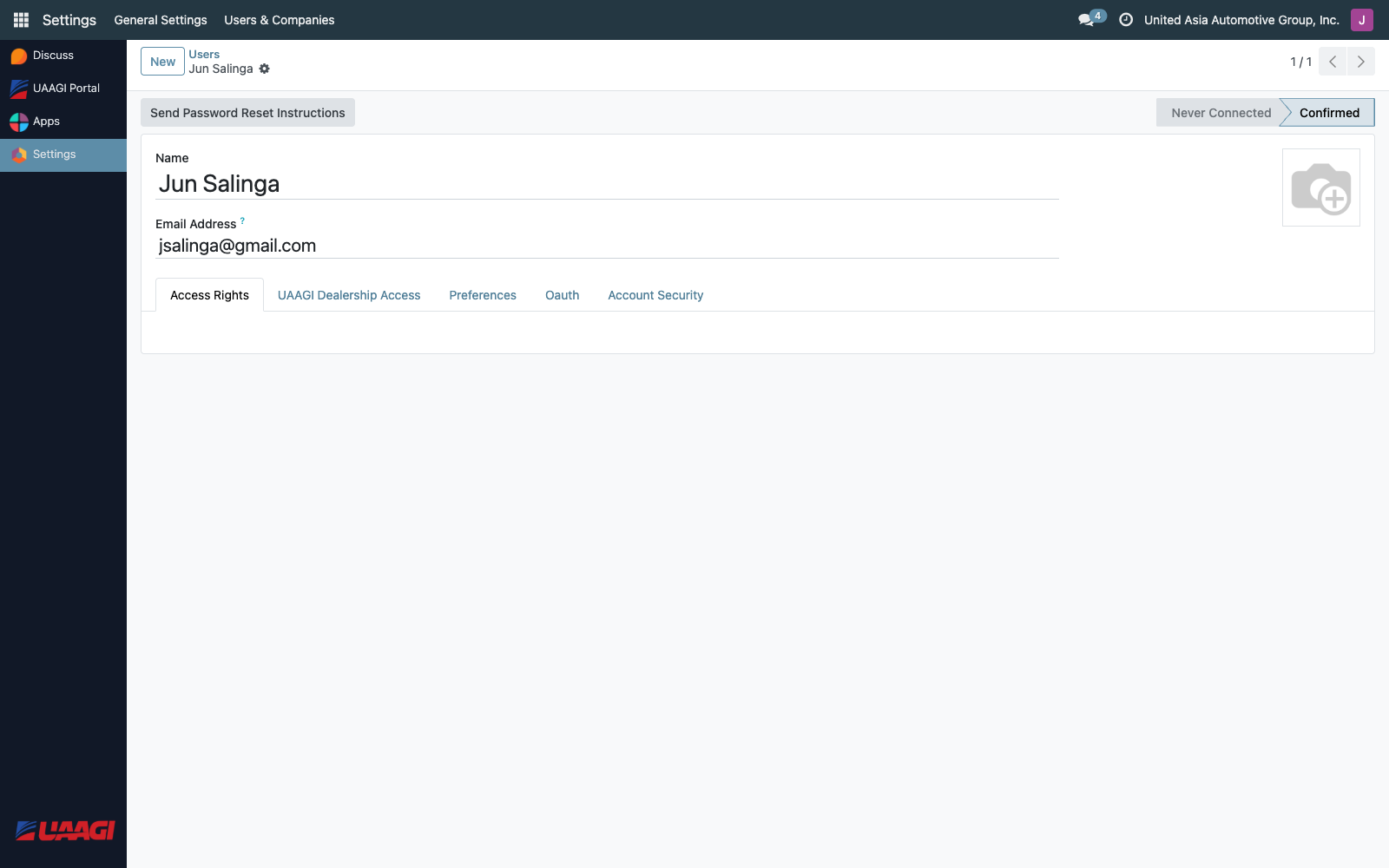
Under the Human Resources category you'll find UAAGI Portal User and UAAGI Portal Manager. Under Administration you'll find UAAGI System Administrator.
Record rules that use these groups
| Rule | Model | Who it applies to | Domain |
|---|---|---|---|
| UAAGI Dealership: User Access | uaagi.dealership | Portal User | [('id', 'in', user.allowed_dealership_ids.ids)] — read-only |
| UAAGI Dealership: Manager Access | uaagi.dealership | Portal Manager | [(1, '=', 1)] — all records, full CRUD |
| UAAGI Brand: All Users Can Read | uaagi.brand | Portal User | all records, read-only |
| UAAGI Brand: Manager Can Manage | uaagi.brand | Portal Manager | all records, full CRUD |
Because groups inherit, a Portal Manager is effectively bound by the Manager rule (permissive), not the User rule.
Admins bypassing SSO
Users in UAAGI System Administrator (and any user in the root base.group_user_root / admin) are always allowed to reach /web directly — the _is_admin() check in the portal controller bypasses the redirect-to-portal logic. This is how an admin can log in via /web/login?direct=1 and land in the backend instead of the dealership selector.
End users (UAAGI Portal User only, no admin rights) who navigate to /web are transparently redirected to /dealership/portal — they cannot reach the Odoo backend.