Lead Sources
A Lead Source (dealer.crm.lead.source) records where a lead came from. Every dealer lead has a required source_id, and the value drives marketing attribution reports, agent performance rollups, and — critically — the endorsement intake from BPO CRM.
:::danger Two shipped sources are load-bearing
The endorsed_with_sq and endorsed_without_sq codes are looked up by xml_id inside dealer.crm.lead.receive_endorsed_lead(payload). Renaming, archiving, or deleting either one breaks the BPO → dealer push. You can change their display name freely; never touch the code or the external id.
:::
Default lead sources
A fresh install ships with:
| Code | Name | Type | Notes |
|---|---|---|---|
WALKIN | Walk-In | Walk-In | Customers who physically visit the showroom |
INBOUND | Inbound Call | Inbound Call | Customer-initiated phone calls |
OUTBOUND | Outbound Call | Outbound Call | Dealer-initiated outreach |
REFERRAL | Referral | Referral | Introduced by an existing customer |
CAMPAIGN | Campaign | Campaign | Generic marketing campaign |
ENDORSED_W_SQ | Endorsed from BPO (with S.Q.) | Endorsed from BPO | ⚠️ Stamped by receive_endorsed_lead for sq_flag='with_sq' |
ENDORSED_WO_SQ | Endorsed from BPO (without S.Q.) | Endorsed from BPO | ⚠️ Stamped by receive_endorsed_lead for sq_flag='without_sq' |
Open the Lead Sources list
Navigate to Dealer CRM → Configuration → Lead Sources.
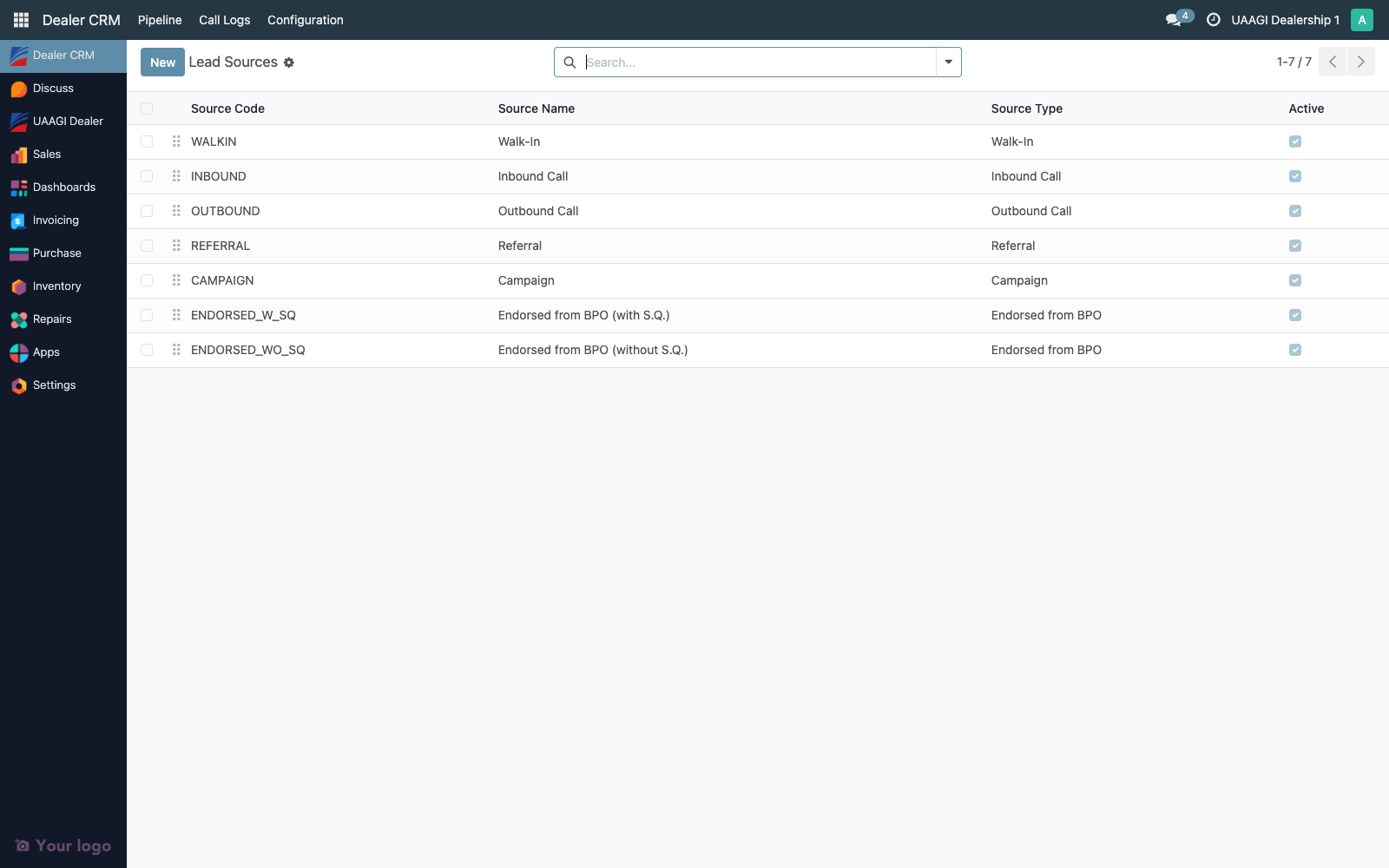
The list is editable inline — click any cell to rename, change type, reorder, or archive without opening a separate form. Double-click the row or click the internal open arrow to get the form view.
| Column | Description |
|---|---|
| Sequence | Drag-handle. Controls order in the source dropdown on the lead form. |
| Code | Stable identifier (max 32 chars). Uppercase + underscores by convention. Never reuse a deleted code. |
| Name | Display name shown to users. Translatable. |
| Source Type | One of nine categories (see below) used for reporting rollups. |
| Active | Unchecking archives the source — existing leads keep the link but the source disappears from the dropdown on new leads. |
Create a new lead source
Click New and fill the form.
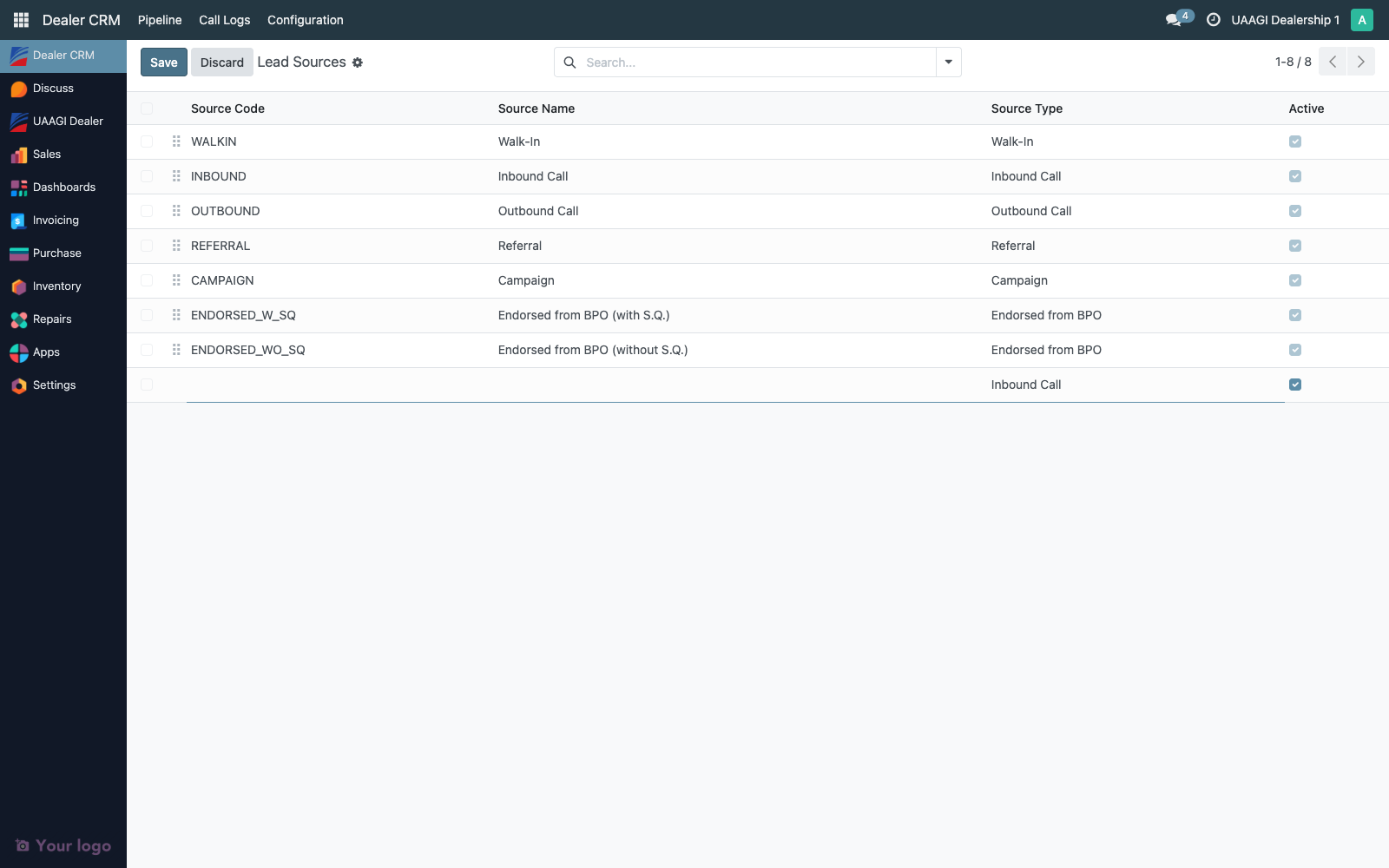
| Field | Notes |
|---|---|
| Source Name | Required. What agents see in the dropdown. Translatable. |
| Source Code | Required, unique, max 32 chars. Used as a stable key; also appears in the dropdown as [CODE] Name. |
| Source Type | Required. Pick the closest category from the nine below. |
| Sequence | Lower numbers appear first. |
| Active | Default true. Uncheck to hide without losing data. |
Source type options
| Type | When to use |
|---|---|
| Inbound Call | Customer-initiated phone |
| Outbound Call | Dealer-initiated outreach |
| Campaign | Marketing campaign (generic) |
| Referral | Customer-to-customer introduction |
| Walk-In | Showroom visitor |
| Website | Inbound web inquiry (dealer website, not BPO) |
| Social Media | Facebook/Instagram/TikTok leads |
| Event / Exhibition | Auto shows, branded events |
| Endorsed from BPO | Do not use for manual sources. Reserved for the two shipped endorsement sources. |
Any category except the last is safe to use for new custom sources.
Renaming vs archiving
| Operation | Safe for shipped sources? | Effect |
|---|---|---|
| Rename (display Name only) | ✅ | Leads keep their source_id; the label updates everywhere it's read. |
| Rename (Code) | ❌ for shipped sources | Endorsement intake breaks for the two ENDORSED_* sources. Safe for custom sources if no external integration references the old code. |
| Change Source Type | ✅ but impacts reporting | Reporting rollups will re-categorize the source from the change forward. Past leads still report under their historical source but Odoo reads source_id.source_type live, so historical rollups shift retroactively. Avoid unless the original categorization was wrong. |
| Archive (Active off) | ❌ for shipped sources | Endorsement intake can't resolve the xmlid if the source is archived. Keep them active. |
| Delete | ❌ | Blocked if any lead references the source (which is almost always). Archive instead. |
Add a custom source — end-to-end example
Say you're launching a radio campaign and want to track its leads separately.
- Dealer CRM → Configuration → Lead Sources → New
- Source Name:
Radio Campaign Q2 2026 - Source Code:
RADIO_Q2_2026 - Source Type:
Campaign - Sequence:
55(below the shipped CAMPAIGN source) - Save
Agents will see the new entry in the Lead Source dropdown on any new or existing lead. Quarterly reporting rollups automatically group it under the Campaign type.
When the campaign ends and you want it out of the dropdown:
- Open the source
- Uncheck Active
- Save — past leads keep their source reference, new leads can no longer pick it
Access matrix
| Group | Read | Create | Update | Delete |
|---|---|---|---|---|
| Dealer User | ✅ | ❌ | ❌ | ❌ |
| Dealer Manager | ✅ | ❌ | ❌ | ❌ |
| Dealer Admin | ✅ | ✅ | ✅ | ✅ |
Lead sources are read-only for everyone except admins. Day-to-day users pick from the existing set on the lead form but cannot add or edit entries.
Audit trail
dealer.crm.lead.source is configuration data, so Odoo's standard bookkeeping applies:
create_uid,create_date,write_uid,write_date— visible from the form's developer metadata tooltip (Settings → Technical → Database Structure)- Shipped sources (
WALKIN,INBOUND, ...,ENDORSED_*) arenoupdate=1data records — once installed they're not overwritten by module upgrades, so the values you see are the values the dealer chose or left alone - Agent-facing changes are indirect: sources appear as a field on every lead, so field changes on
dealer.crm.lead.source_idare tracked on the lead's chatter (source is atracking=Truefield), giving auditors a per-lead view of "this lead's source was originally X, then changed to Y by user Z on date W"
Common audit questions
"Did any lead land on the reserved ENDORSED sources without coming through the push?"
- Unlikely. Dealer Users can't edit
source_idon a lead unless they're a manager. Still worth checking: Dealer CRM → Pipeline → All Leads → Filtersource_id = ENDORSED_W_SQ OR ENDORSED_WO_SQ, then checkbpo_source_lead_idis populated on every row. If any row has the endorsed source but no BPO back-reference, that's a manual override worth investigating.
"Which campaigns produced won leads in Q2?"
- Dealer CRM → Pipeline → All Leads → Filter
Won, group by Source. Export.