Employment Status
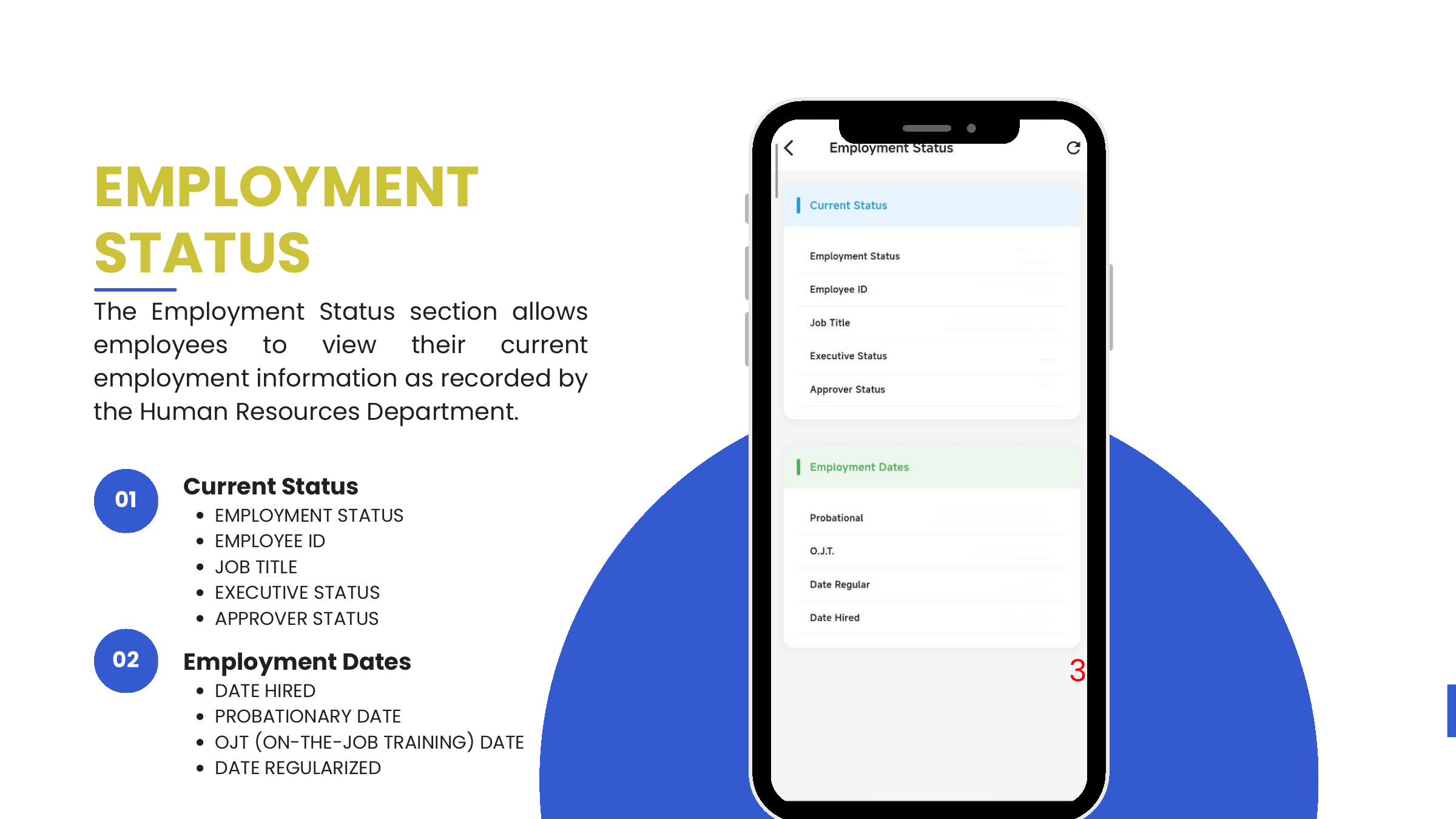
The Employment Status screen shows the employee's current role and employment timeline, as recorded by HR.
Access
- Tap More from the bottom navigation.
- Tap Employment Status.
Current Status
| Field | Notes |
|---|---|
| Employment Status | e.g., Regular, Probationary, OJT |
| Employee ID | UAAGI-issued ID (e.g., 2211-FMPI-1034) |
| Job Title | Current role |
| Executive Status | Whether the user holds an executive designation |
| Approver Status | Whether the user has approval authority. This flag is what unlocks the Pending and All team queues on every request card. |
Employment Dates
| Field | Meaning |
|---|---|
| Date Hired | Initial hire date |
| Probational | Probationary period start |
| O.J.T. | On-the-Job Training start (for trainees / interns) |
| Date Regular | Regularization date |
Who can grant approver status
Approver Status is controlled by HR from the Odoo 17 web app. It determines whether the same mobile install shows only the employee view or also the team-review view. Employees who move into a supervisory role should ask HR to flip this flag — the mobile app will surface the new queues on the next session.