Personal Information
The Personal Information screen lets employees review the personal and employment records held under their profile. The data is sourced from the HR master and is read-only on mobile — any correction must go through HR.
Access
- Tap More (bottom-right) from the bottom navigation.
- Tap Personal Information.
The screen is organized into five categorized sections. Each row has a copy icon next to sensitive fields (e.g., government IDs) for quick copy-to-clipboard.
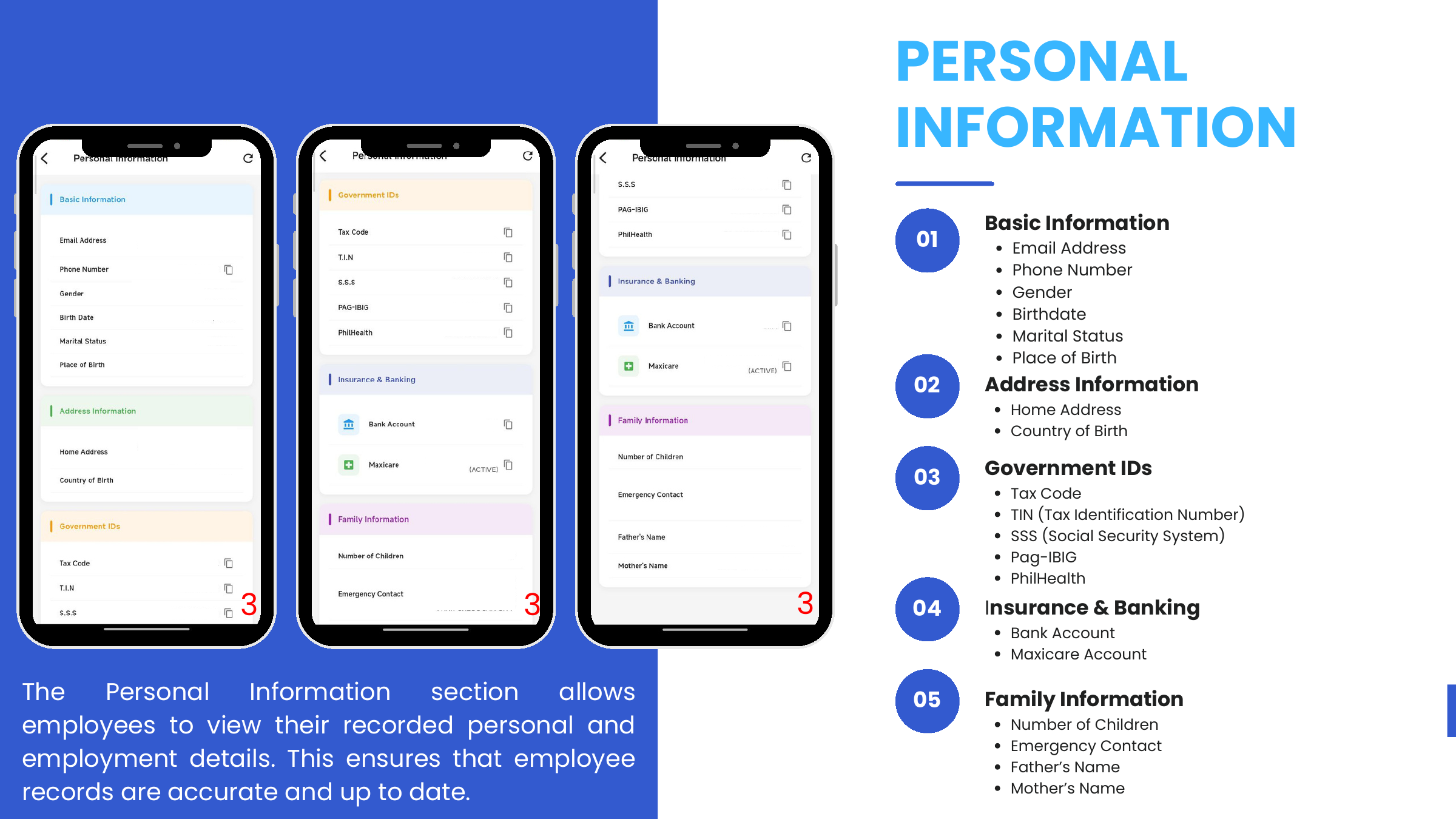
Basic Information
| Field | Notes |
|---|---|
| Email Address | |
| Phone Number | Copyable |
| Gender | |
| Birth Date | |
| Marital Status | |
| Place of Birth |
Address Information
| Field | Notes |
|---|---|
| Home Address | |
| Country of Birth |
Government IDs
Sensitive; every row has a copy icon.
| Field |
|---|
| Tax Code |
| TIN (Tax Identification Number) |
| SSS (Social Security System) |
| Pag-IBIG |
| PhilHealth |
Insurance & Banking
| Field | Notes |
|---|---|
| Bank Account | Copyable |
| Maxicare | Shows (ACTIVE) / (INACTIVE) status |
Family Information
| Field |
|---|
| Number of Children |
| Emergency Contact |
| Father's Name |
| Mother's Name |
Keeping records current
If any field is wrong or outdated, the employee must coordinate with HR (via MSD personnel) — there is no self-edit on the mobile app. This enforces the source-of-truth boundary between the Odoo 17 web app (HR-managed) and the mobile app (employee read / request).